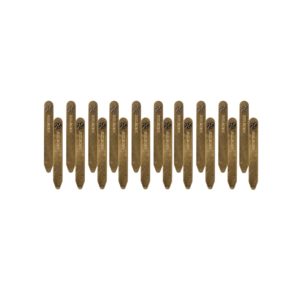
Learn answers to the top questions about Personalized Collar Stays.
Are you processing a Client return in a later month than the original order was placed?
If a Stylist has already earned commission and Personal Volume (PV) on an item in an order, we will reclaim the commission and PV during the month in which the refund or J.Hilburn Credits were issued.
While J.Hilburn Credits will be issued immediately after a return is submitted, we cannot issue a credit card refund until after we receive the inventory back at our shipping warehouse. Because of this, you may not see where we reclaimed your PV and commission on a refunded return until the month after you’ve submitted the return.
For example, if apparel is submitted for return in January, but not received and refunded until February, we will reclaim that amount from February’s commission.
We know how exciting it is to see the fruits of your labor, and we know that a big part of that is receiving your monthly commissions.
We will not mail a physical check. We will automatically deposit your earnings into the account you specified when you enrolled with us on or before the 15th of each month for the preceding commission period.
For example, for the commission period of January, you will receive your direct deposit on February 15, and so on.
If your earnings are less than $25.00 for the month. We cannot automatically disburse any earnings less than $25.00. We will add any earnings under $25.00 to the commission payment for the following month’s commission period.
For example: If you earn $20.00 in January, and $300.00 in February, we will not deposit the $20.00 for January commissions. Instead, we will add it to your February commission deposit.
Are you setting up your J.Hilburn email account on your phone, tablet, or another mail application? Follow these simple steps!
If you still have questions regarding setting up your J.Hilburn email account, please contact stylistcare@jhilburn.com.